An End-to-End Drone Education System for Your Institution
Curriculum, instructors, hands-on training, coding, 3D simulation and student tracking in one system.
Institutions adding drone education to their programs
Pick your institution type and the proposal form opens with it.
The program is designed and run by AI and drone engineers.
The curriculum and missions are prepared under the direction of Vechür's team, which builds AI and image processing projects. In class, students work with Vechür's technical team.
Vechür Havacılık · Sakarya TechnoparkPlan the program with this team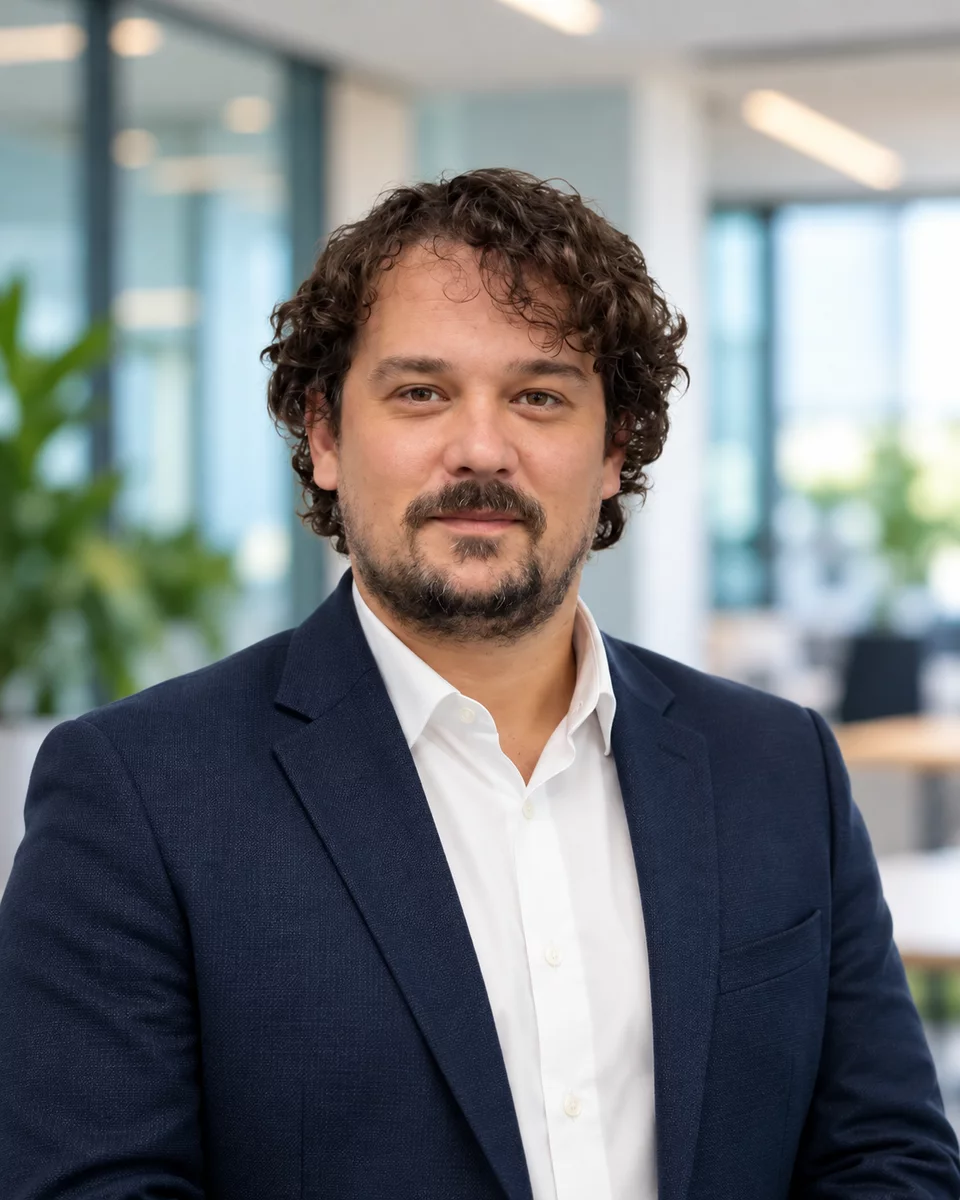
Program DirectorAssoc. Prof. Dr. Ali Furkan Kamanlı Electrical and Electronics Engineer. He leads the Academy's program content, drawing on his experience in artificial intelligence, image processing and embedded systems.
15+ years of experience30+ projects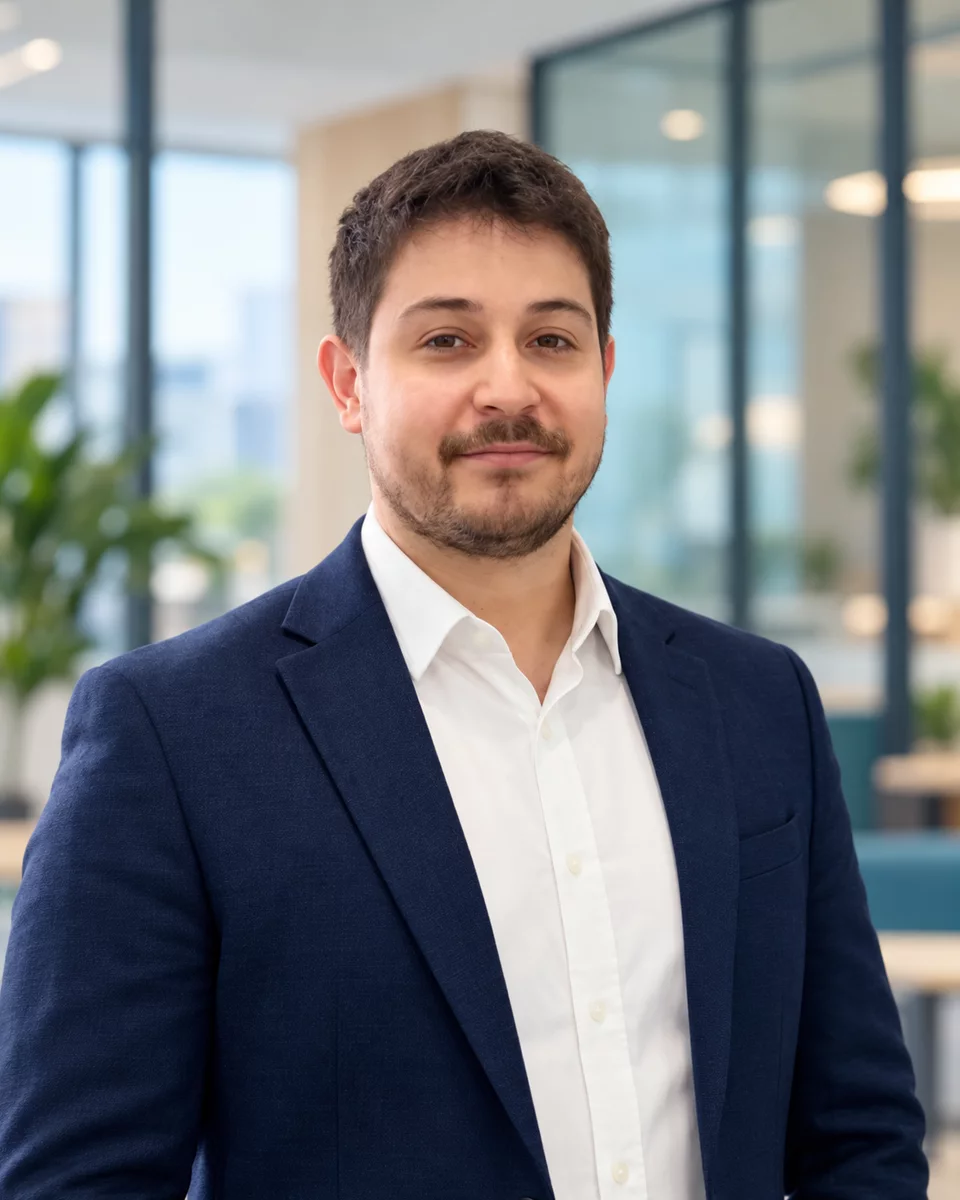
InstructorUmut Sert Electrical and Electronics Engineer and Vechür's CTO. He teaches at the Academy and works with students in class.
InstructorVechür CTO5+ years of experience
Not a single course. An end-to-end education system.
Hands-on training and the digital platform work together as two layers of the same program.
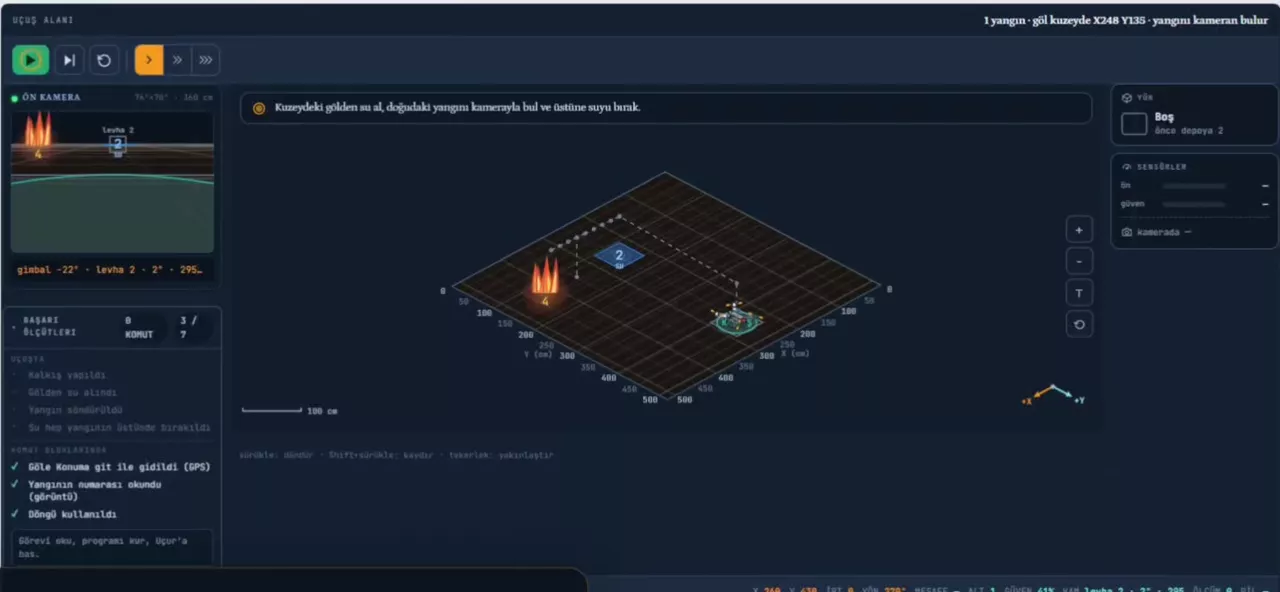
Write the code. Fly the drone. See the result.
A Turkish-language drone learning environment that runs in the browser.
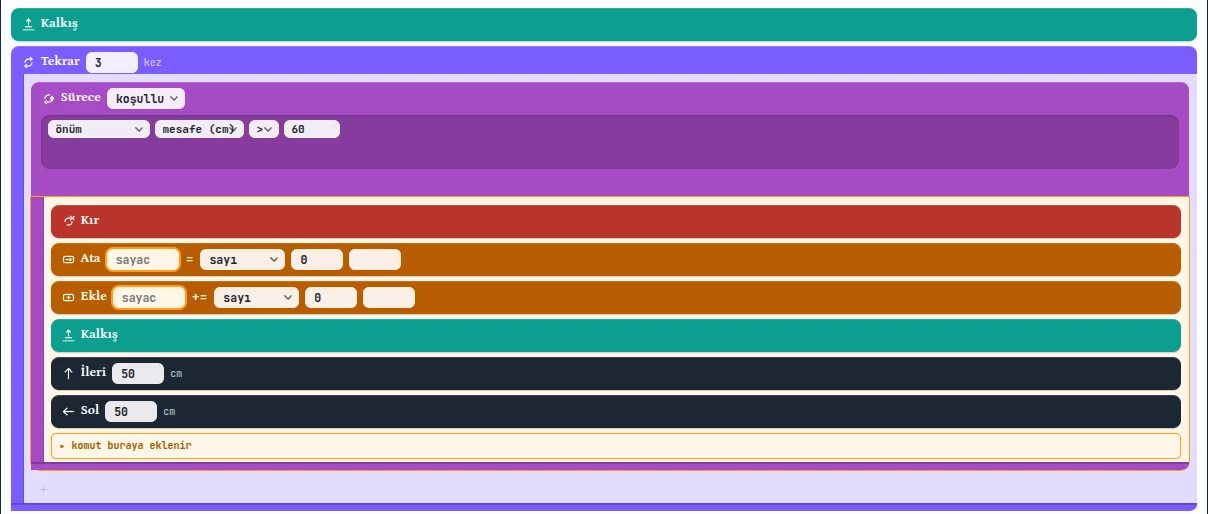
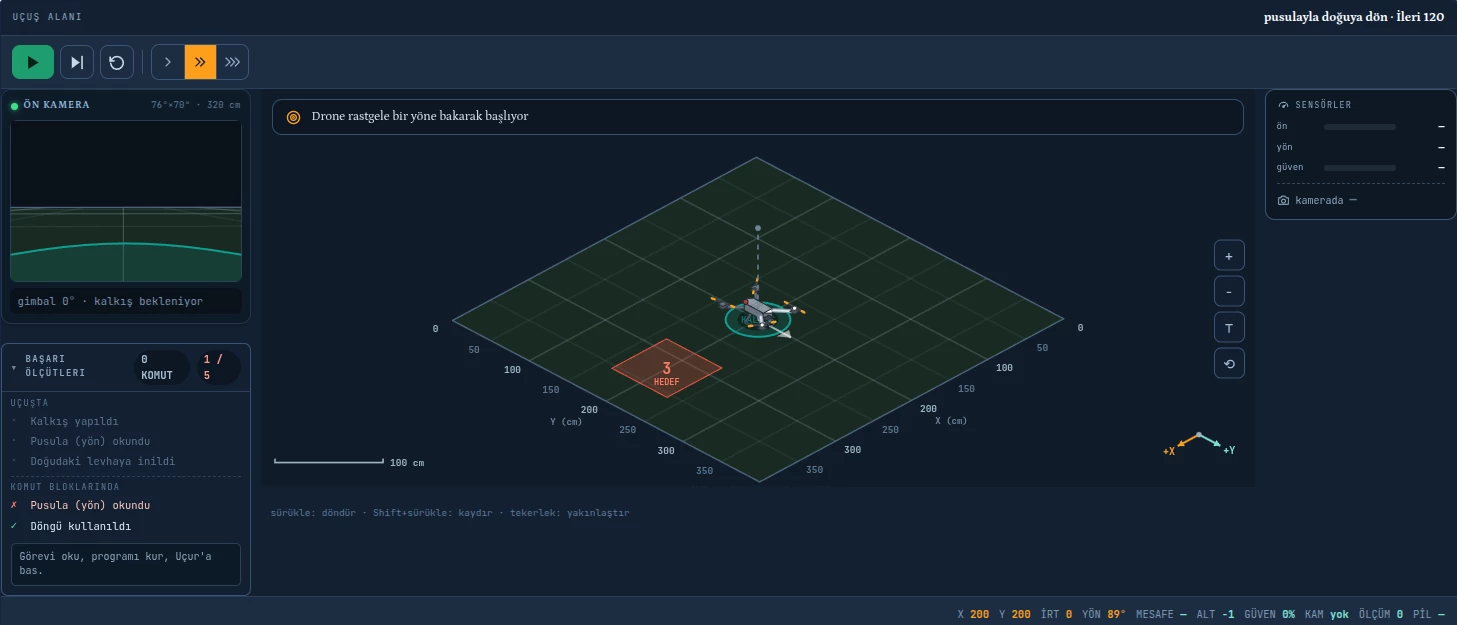
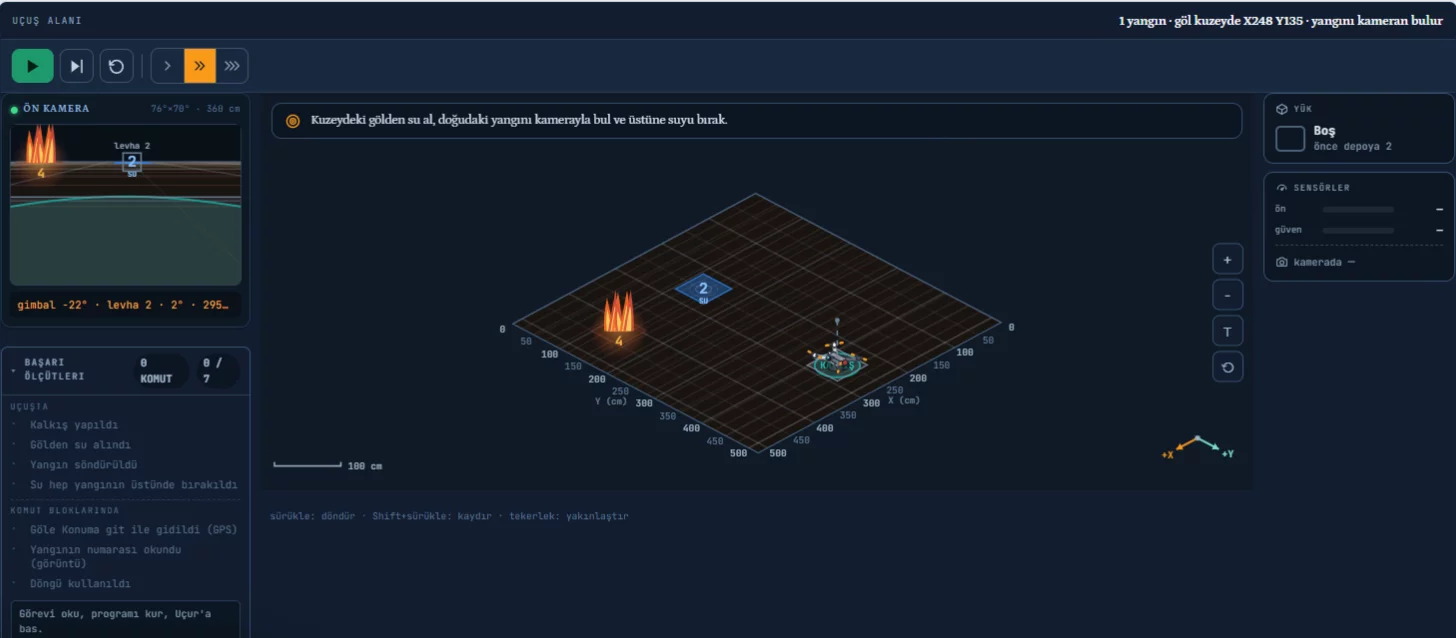
# İlk Yangın (1 yangın · göl kuzeyde X248 Y135 · yangını kameran bulur)from tello_sim import Simulatordrone = Simulator()drone.takeoff()drone.goto(248, 135)drone.load_water()drone.ccw(90)while drone.get_mission_pad_id() != 4: drone.forward(20)drone.drop_water()drone.back(60)drone.land()- Gradual commands. Movement, mission, logic, memory and function commands unlock by level and course.
- Controlled runs. Normal, fast, slow or step by step; a course restarts in one click.
- Nothing to install. Progress is saved to the student's account.
Learning starts with a mission.
Instead of explaining a topic first, we give a mission that needs solving. The moment a student needs a new concept, the tool for that concept unlocks.
- 1 · MissionDraw a square: the same move four times
- 2 · NeedAdding the same commands again and again gets hard
- 3 · ToolThe repeat command comes in
- 4 · SolutionA shorter, cleaner program
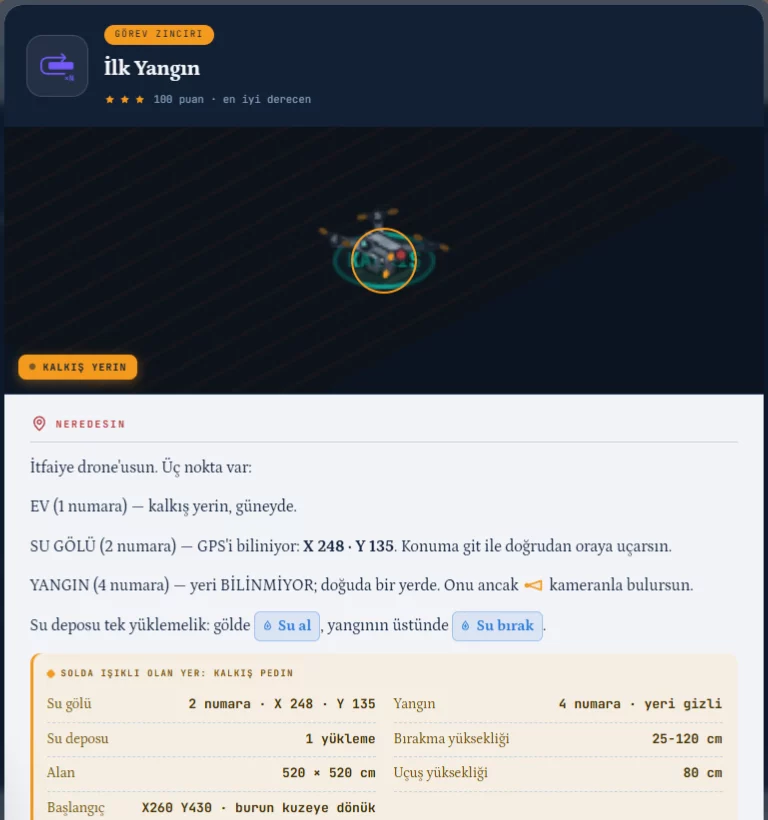
Not memorised code, an algorithm that adapts
Some elements of the mission world can change on every run. Success comes not from a memorised command sequence but from a program that reads its surroundings and decides.
Learn in simulation. Make sense of it on the real system.
Students rebuild the algorithm and control logic they developed in simulation in real drone exercises.
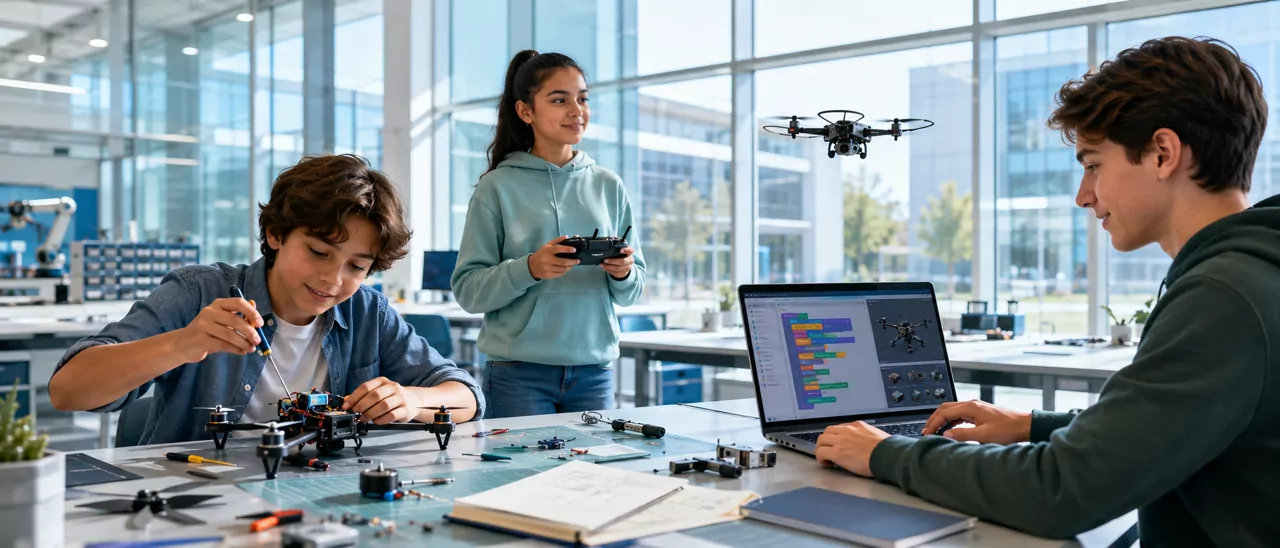
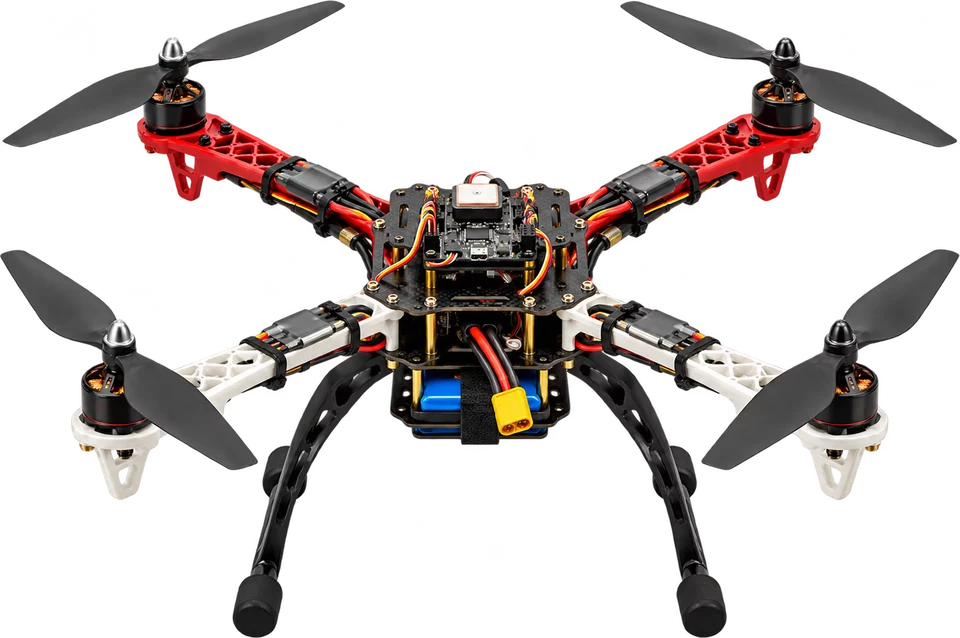
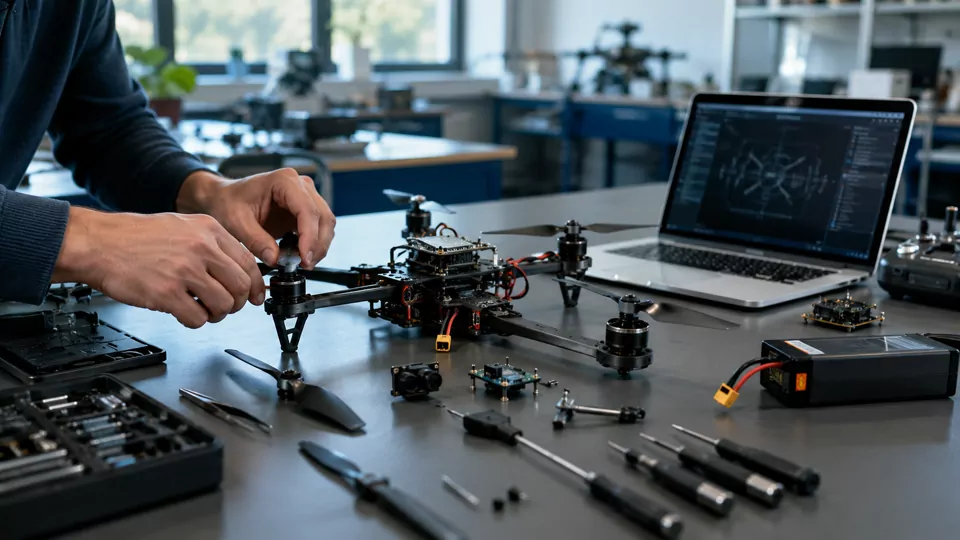
Students build the drone piece by piece, by hand.
Students don't only write code; they also build the drone mechanically. In the workshop they put together the frame, motors and connections of the system they control with code.
From basic flight to autonomous missions
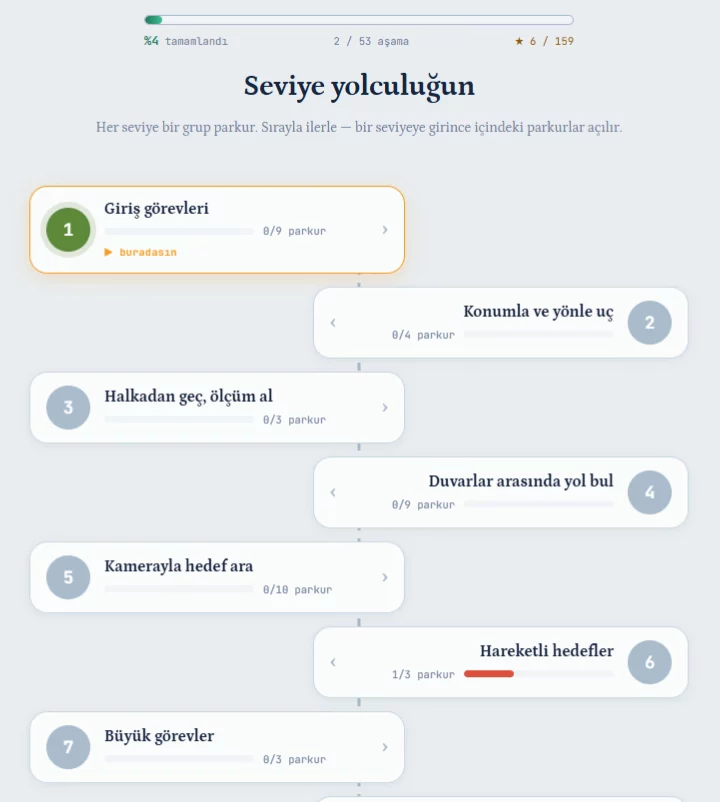
Across 47 courses and 53 stages, every mission adds a new skill on top of the previous one. The core audience is grades 4–8.
- 1Basic Flight
- 2Position & Heading
- 3Loops
- 4Measurement Missions
- 5Sensors & Distance
- 6Conditions & Decisions
- 7Finding Targets with the Camera
- 8Moving Targets
- 9Variables & Functions
- 10Resource Management & Big Missions
- BeginnerCurriculum 1–4Flight and program structureControls the drone with take-off, position and repeat commands and completes the first flight missions.Basic flightSequenceLoops
- IntermediateCurriculum 5–8Sensing and decisionsBuilds programs that make decisions from sensor and camera data.SensorsConditionsCamera
- AdvancedCurriculum 9–10 · image processingAutonomous missionsPlans large missions with variables and functions and tracks the target with image processing.FunctionsTarget trackingImage processingResource management
- MazeRead the walls with sensors, find the way
- Find the TargetScan with the camera, recognise the target
- DeliveryDrop the load at the right point
- Big ShipmentPlan route, load and battery together
- FirefightingCollect water, find the fire, put it out
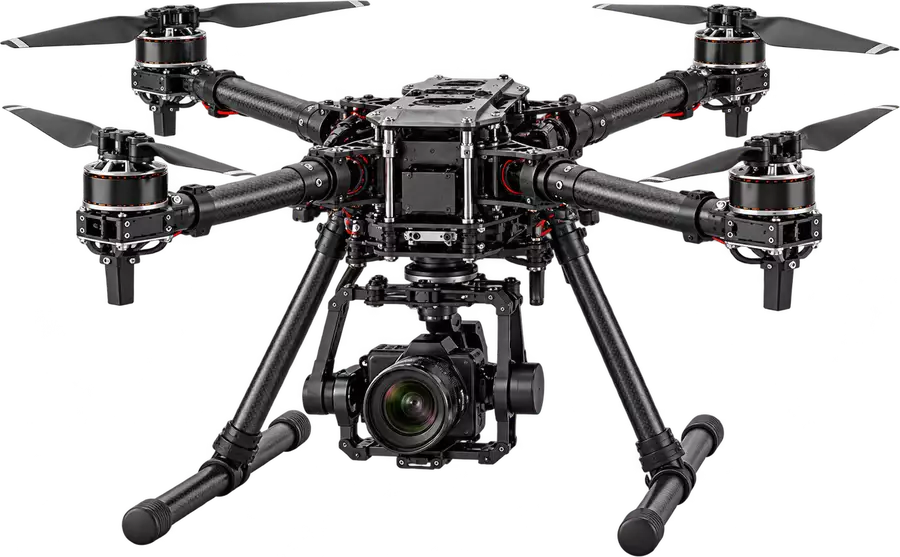
Teach the drone to see.From pixels to target tracking in 12 lessons.
Students don't just fly the drone; they process the image from its camera and learn the logic of target detection and tracking.
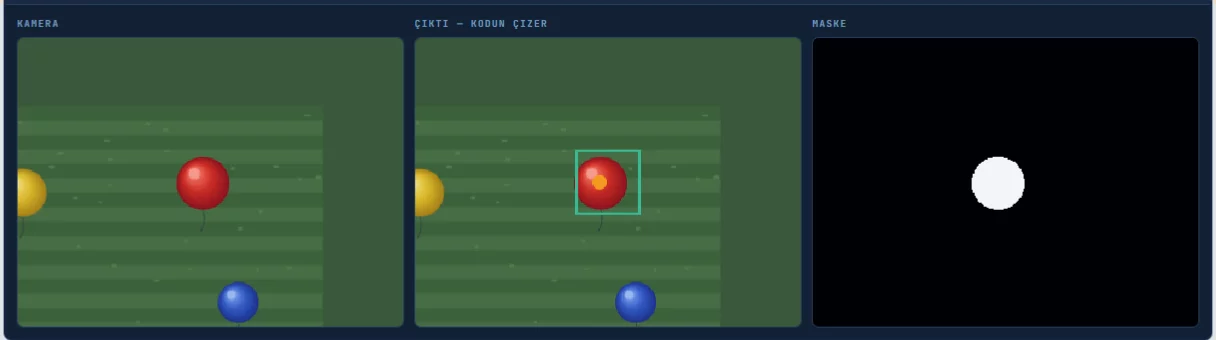
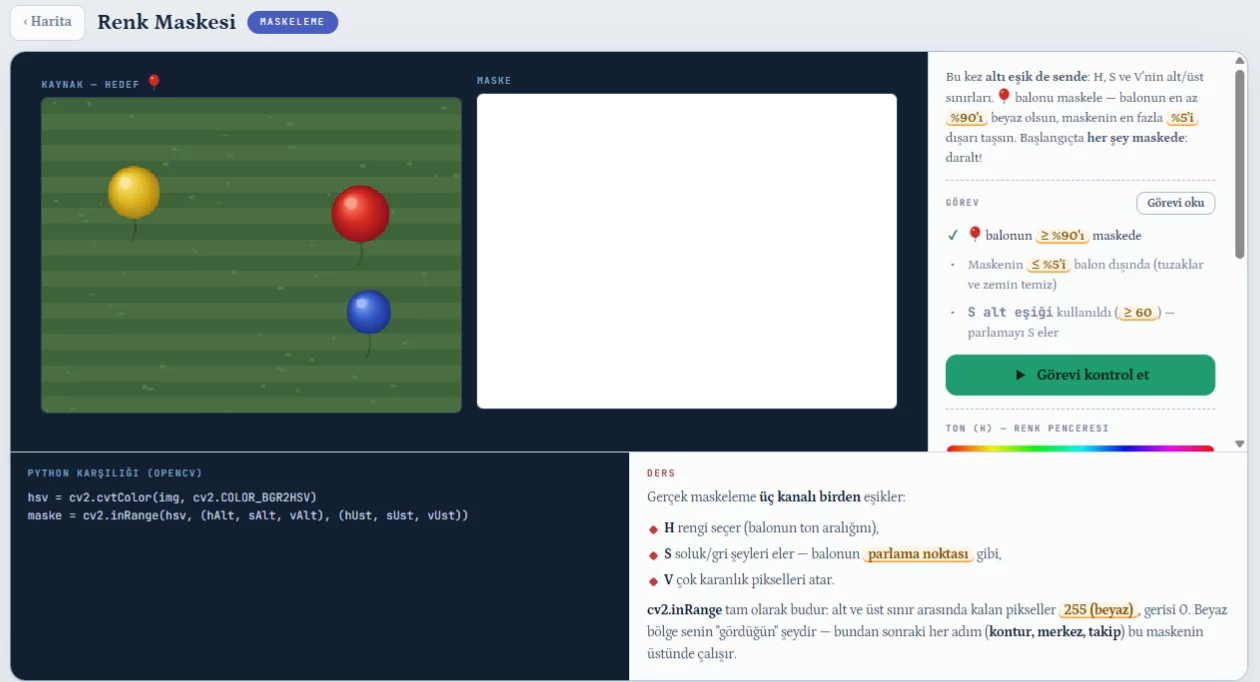
Students slide the HSV thresholds and watch the mask change; the cv2 equivalent of the same setting is written alongside. In later lessons these steps become a real image processing pipeline.
hsv = cv2.cvtColor(img, cv2.COLOR_BGR2HSV)
mask = cv2.inRange(hsv, (hAlt, sAlt, vAlt), (hÜst, sÜst, vÜst))See not just the result, but how each student solved it.
Teachers follow class progress, open a student's code and read where they got stuck from the solution itself.
- Join code / QRA 6-character code for each class
- Student requestsStudents join with teacher approval
- Solution toolShows the solution, then returns to the student's program
- Class managementMultiple classes, student management
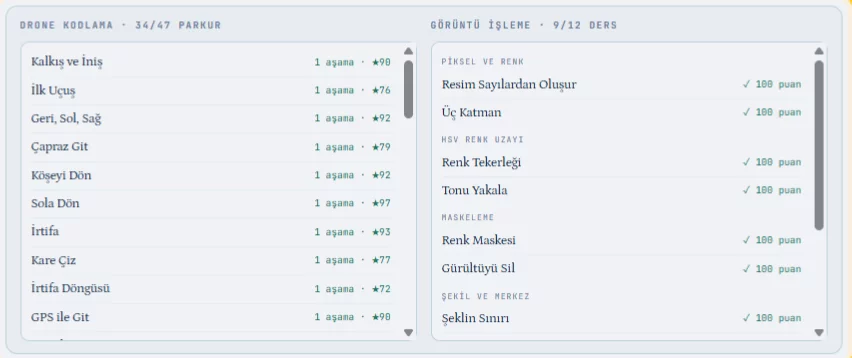
Teachers open and review the program a student built: which commands they used, where they set up loops or conditions, and the step where they got stuck.
Working code isn't enough. Students look for a better solution.
Finishing the mission is the start. The goal is a shorter, cleaner and safer solution.
- 90+
- 72+
- below 72
Students can replay a course; their best result is kept.
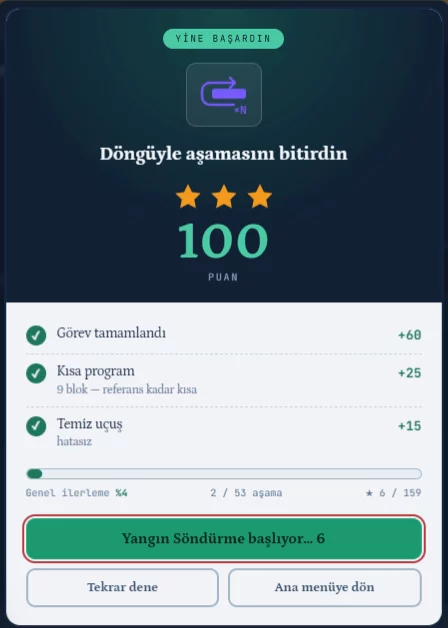
Turn learning into a challenge.
Teachers can project the class leaderboard; in-class challenges and the term final run from the same table.
The class leaderboard ranks points and stars on one screen; students climb it by improving their own solutions.
Turn what they learn into a project.
Students go through a project process from problem to presentation. Technology competitions such as TEKNOFEST are one example of where it applies.
- 01Problem
- 02Idea
- 03Technical solution
- 04Prototype
- 05Test
- 06Presentation
Same system, format built around you
Every model requires a minimum of 10 students. Pricing is shared in the proposal, based on model, duration and student numbers.
- Short program4–6weeks
Pilot programs, technology camps, starting a club, technopark / science centre cohorts.
The first term's 4-week program ran in this format.Plan for my institution - Term programRecommended for private schools12–16weeks · about 2 hours a week
Hands-on drones, the digital platform, simulation, missions and a final challenge; fits into class or club hours.
Plan for my institution - Custom programFlexibleschedule · level · content
Designed around your age groups, goals, existing lab and project targets.
Plan for my institution
Let's build a drone education system for your institution.
Share your students' level, your schedule and your goals; we'll shape the right program model for you.
- 1Your request reaches the program team
- 2A needs call to plan the program
- 3We send a program proposal and quote
Frequently asked questions
What is the minimum number of students?
A program opens with at least 10 students. Groups are formed from your institution's students.
How long does a program last?
Short programs run for about 4–6 weeks and term programs for 12–16 weeks (about 2 hours a week). For custom programs the schedule is set together.
Can the training take place at our institution?
The digital platform runs in the browser, so it can be used in your computer lab. The location and setup of the hands-on workshop are planned together with your institution.
Do we need to install software on computers?
No. The platform runs in the browser; nothing needs to be installed on student computers. With the right setup it can also run on the school's own network.
Are there real drone exercises?
Yes. Programs include real drone exercises in the workshop. Students rebuild the algorithm and control logic they developed in simulation in real drone exercises.
Can you prepare a custom program for our institution?
Yes. Schedule, level and content are designed together around your age groups, goals, existing lab and project targets.
Summer Programs for Individual Students
Groups open to individual students in the summer, using the same platform and curriculum as the institutional program. A group opens with at least 10 participants.